HAZDOHAZDO
  • Home
  • Android
  • Internet
  • Aplikasi
  • Capcut
  • Canva
  • Game
  • Windows
  • AI
    • Gambar Gratis
  • Affiliete
Search
© 2023- hazdo.web.id. All Rights Reserved.
Reading: Cara Bermain PS1 di Laptop Menggunakan Emulator
Share
Notification Show More
Font ResizerAa
HAZDOHAZDO
Font ResizerAa
Search
  • Home
  • Android
  • Internet
  • Aplikasi
  • Capcut
  • Canva
  • Game
  • Windows
  • AI
    • Gambar Gratis
  • Affiliete
Follow US
© 2023 hazdo.web.id. All Rights Reserved.
Game

Cara Bermain PS1 di Laptop Menggunakan Emulator

Last updated: December 28, 2025 7:34 pm
hazdo
Share
SHARE

Apa Itu DuckStation Emulator PS1?

DuckStation adalah emulator PlayStation 1 / PSX yang dikembangkan untuk menghadirkan pengalaman bermain sedekat mungkin dengan konsol asli, namun dengan fitur modern.

Contents
  • Apa Itu DuckStation Emulator PS1?
    • Keunggulan DuckStation:
  • Persiapan Sebelum Bermain PS1 di Laptop/PC
    • 1. Laptop atau PC
    • 2. Emulator DuckStation
    • 3. File BIOS PS1
    • 4. File Game PS1
  • Cara Install Emulator DuckStation di Laptop/PC
    • Langkah 1: Download DuckStation
    • Langkah 2: Setting BIOS PS1

Keunggulan DuckStation:

  • Support Windows, Linux, dan macOS
  • UI modern dan mudah dipahami
  • Bisa save state kapan saja
  • Mendukung cheat dan widescreen
  • Open-source dan gratis

Tidak heran jika DuckStation kini jadi emulator PS1 favorit gamer PC.

Persiapan Sebelum Bermain PS1 di Laptop/PC

Sebelum mulai, siapkan beberapa hal berikut:

1. Laptop atau PC

Minimal spesifikasi:

  • CPU Dual Core
  • RAM 4GB
  • GPU onboard sudah cukup

2. Emulator DuckStation

Unduh dari situs resminya (versi Windows tersedia).

3. File BIOS PS1

BIOS diperlukan agar emulator berjalan optimal.
Baru

itel City 200

4GB | 128GB

Rp 1.599.000
Beli Sekarang
Baru

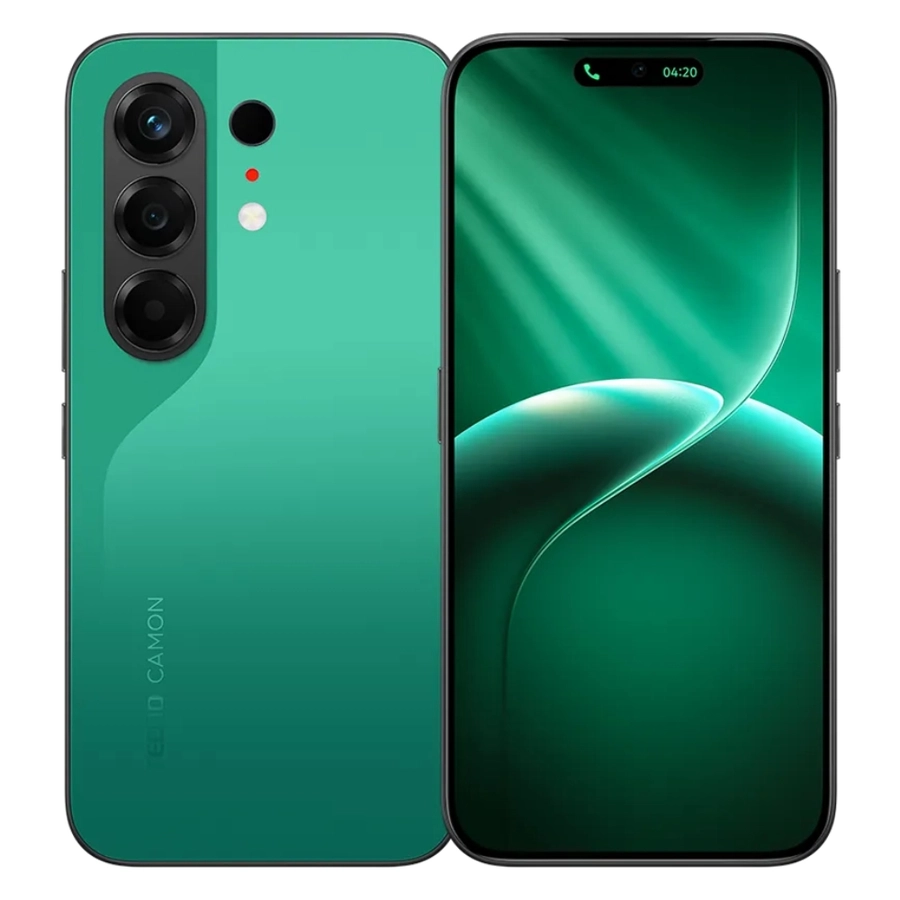
TECNO Camon 50

8GB | 128GB

Rp 3.799.000
Beli Sekarang
Baru

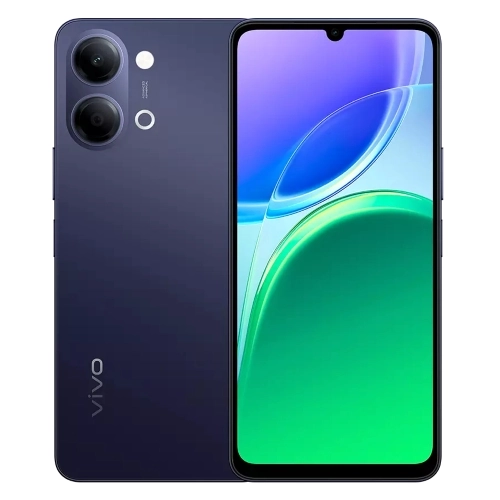
VIVO Y05

4GB | 64GB

Rp 1.899.000
Beli Sekarang
Baru

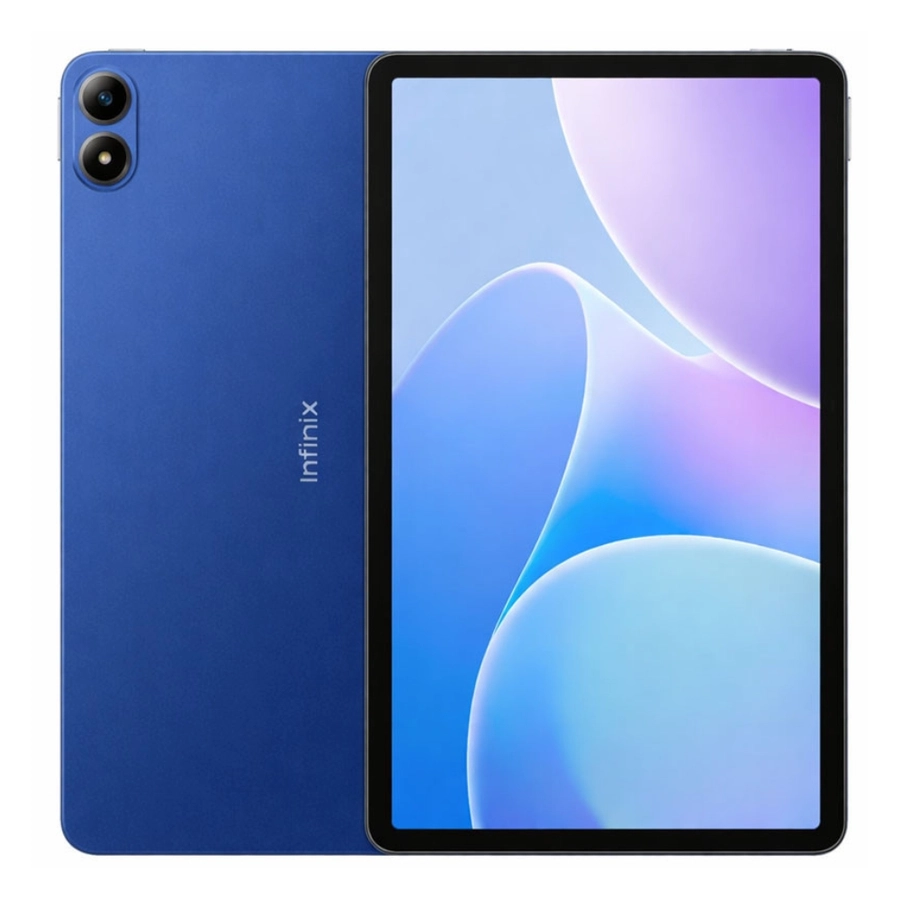
Infinix XPAD 30E

4GB | 128GB

Rp 2.499.000
Beli Sekarang
Baru

Infinix Note 60 Pro 5G

8GB | 256GB

Rp 5.499.000
Beli Sekarang
Baru

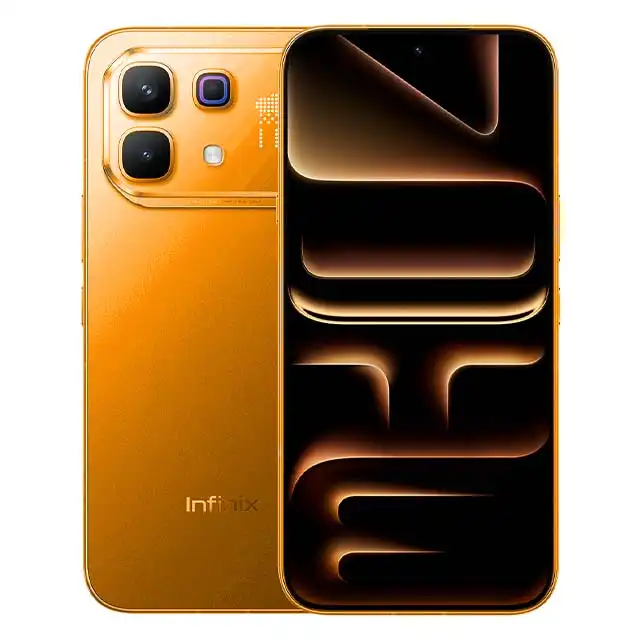
Infinix Note 60

8GB | 256GB

Rp 4.099.000
Beli Sekarang

4. File Game PS1

Biasanya berformat:

  • .bin
  • .cue
  • .iso
  • .chd

Cara Install Emulator DuckStation di Laptop/PC

Langkah 1: Download DuckStation

  • Unduh DuckStation versi Windows
  • Ekstrak file ZIP ke folder khusus
  • Jalankan file duckstation-qt-x64.exe

Tidak perlu instalasi rumit. DuckStation langsung bisa dibuka.

Langkah 2: Setting BIOS PS1

  1. Buka DuckStation
  2. Masuk ke Settings → BIOS
  3. Pilih folder tempat file BIOS PS1 disimpan
  4. Pastikan status BIOS terdeteksi

Tips: Gunakan BIOS region yang sesuai dengan game agar kompatibilitas maksimal.

Previous Page1234Next Page
TAGGED:Emulatorgame
Share
Previous Article Cara Bikin Foto Selfie Bareng Karakter Avatar Fire dan Ash Pakai Prompt AI
Next Article Cara Bermain PS2 di Laptop Menggunakan Emulator PCSX2

Populer

Cara Reset Password Laptop tanpa Install UlangWindows
Windows
iQOO 15R Spesifikasi dan Harga Indonesia
Gadget
Rekomendasi HP layar lengkung untuk Lebaran 2026
Gadget
Cara Menghapus Antivirus 360 Total Security dari Laptop
Computer
Cara Membuat Konten Infografis dengan AI Auto Cuan
Internet

Populer Tag

2025 adsense Affiliate AI Android antivirus Aplikasi Bank baterai bisnis BSI Canva Capcut chatgpt Chrome Clipper cms cpanel cuan DANA desain digital editing video edit video email Emulator excel facebook filmora Fitur font foto gambar game Gemini AI google Google Gemini gratis guru Harga hero HP huawei iklan Infinix instagram IOS iPhone komputer konten Kreator Langganan Laptop Live lynk media sosial meta Mobile Legends Monetisasi motorola one piece online Oppo PayPal PC platform ponsel powerpoint produk Prompt Ramadhan Redmi samsung SEO shopee smartphone Snapdragon sosial media sosmed Spotify tablet TikTok tips tools Video video editing video editor virus vivo web Website WhatsApp windows Windows 10 windows10 windows 11 Word wordpress Xiaomi youtube
HAZDOHAZDO
Follow US
© 2026 Hazdo.web.id. All Rights Reserved.
Welcome Back!

Sign in to your account

Username or Email Address
Password

Lost your password?