HAZDOHAZDO
  • Home
  • Android
  • Internet
  • Aplikasi
  • Capcut
  • Canva
  • Game
  • Windows
  • AI
    • Gambar Gratis
  • Affiliete
Search
© 2023- hazdo.web.id. All Rights Reserved.
Reading: Cara Pasang Live Wallpapers di Laptop Menggunakan MotionBGS
Share
Notification Show More
Font ResizerAa
HAZDOHAZDO
Font ResizerAa
Search
  • Home
  • Android
  • Internet
  • Aplikasi
  • Capcut
  • Canva
  • Game
  • Windows
  • AI
    • Gambar Gratis
  • Affiliete
Follow US
© 2023 hazdo.web.id. All Rights Reserved.
Internet

Cara Pasang Live Wallpapers di Laptop Menggunakan MotionBGS

Last updated: February 3, 2026 10:02 am
hazdo
Share
SHARE

1. Apa Itu MotionBGS?

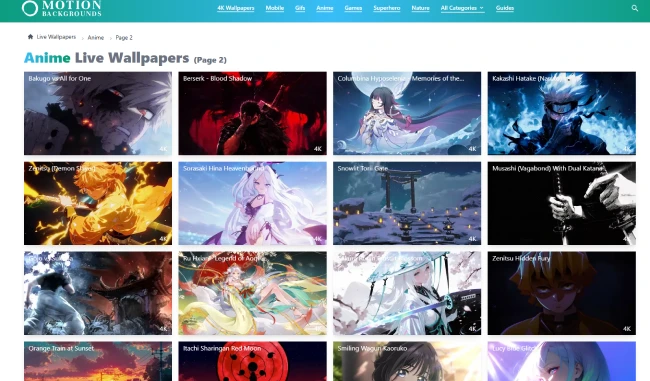
MotionBGS adalah website penyedia live wallpaper berkualitas tinggi dengan berbagai kategori, seperti:

Contents
  • 1. Apa Itu MotionBGS?
  • 2. Buka Website MotionBGS
  • 3. Pilih Live Wallpaper Favorit
  • 4. Download Live Wallpaper
  • 5. Install Aplikasi Wallpaper Engine (Pendukung)
  • Anime
  • Cyberpunk
  • Nature
  • Minimalist
  • Gaming
  • Abstract

Wallpaper di MotionBGS memiliki animasi halus dan resolusi tinggi, cocok untuk laptop modern.

2. Buka Website MotionBGS

Langkah pertama:

  1. Buka browser di laptop
  2. Kunjungi 👉 https://motionbgs.com/
  3. Pilih kategori live wallpaper sesuai selera

Di sini kamu bisa preview animasi sebelum mengunduh.
Baru

itel City 200

4GB | 128GB

Rp 1.599.000
Beli Sekarang
Baru

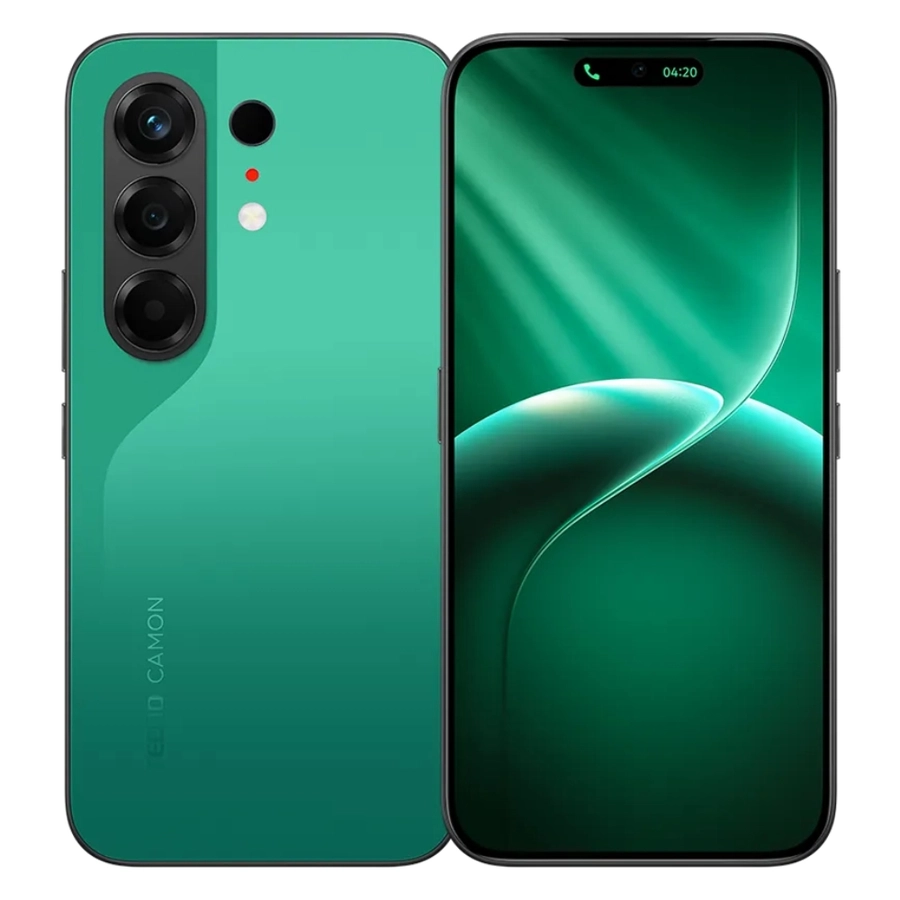
TECNO Camon 50

8GB | 128GB

Rp 3.799.000
Beli Sekarang
Baru

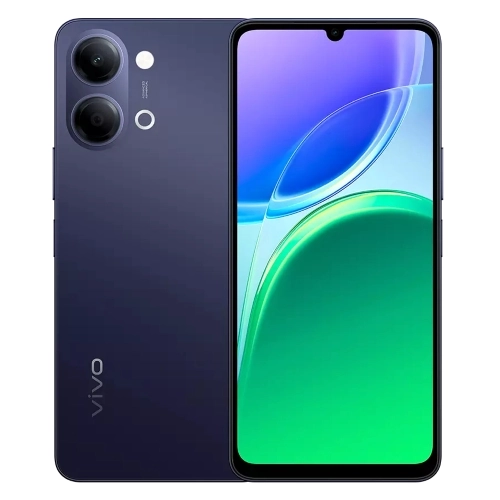
VIVO Y05

4GB | 64GB

Rp 1.899.000
Beli Sekarang
Baru

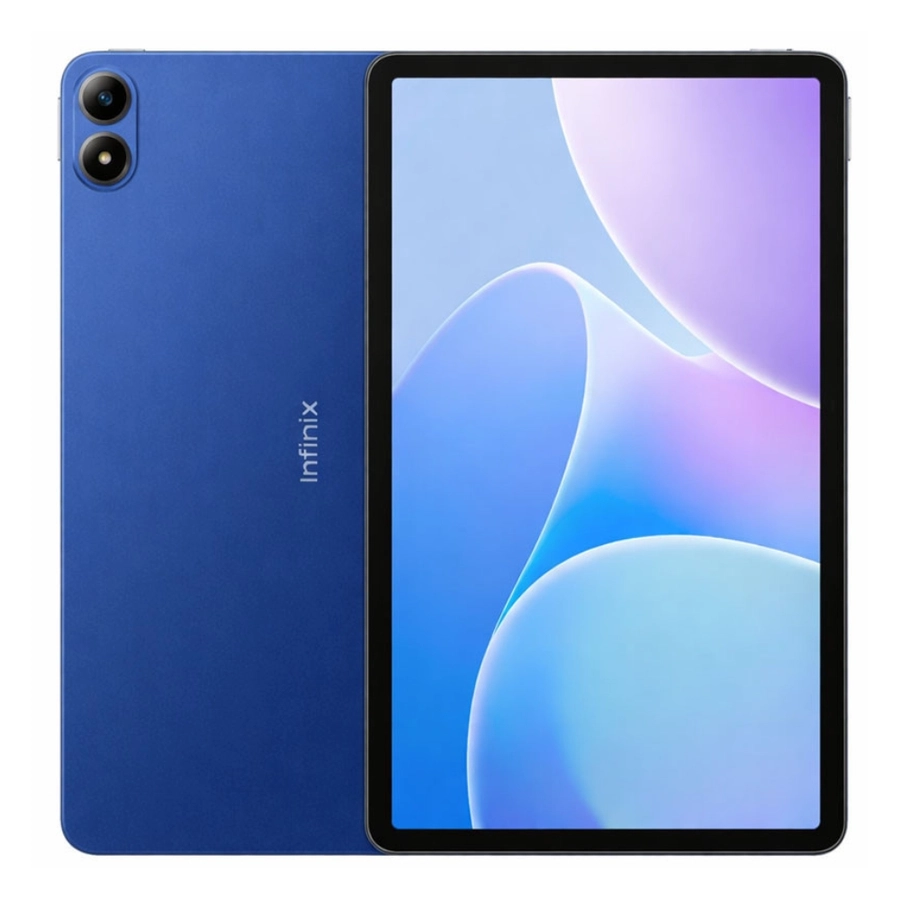
Infinix XPAD 30E

4GB | 128GB

Rp 2.499.000
Beli Sekarang
Baru

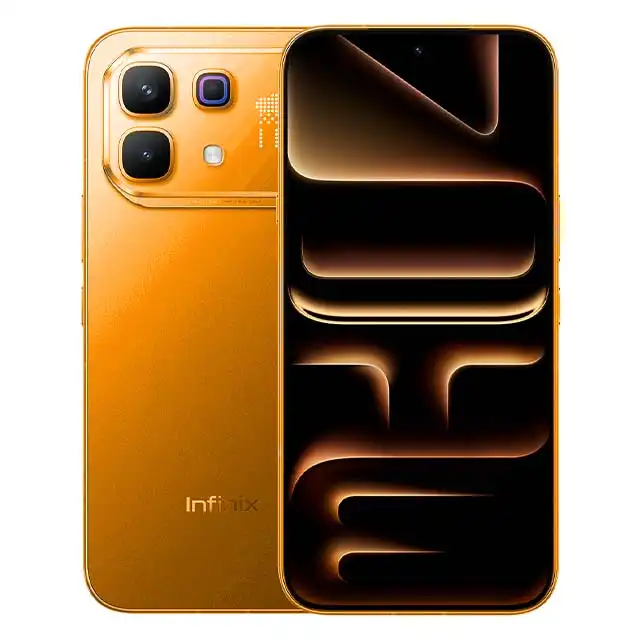
Infinix Note 60 Pro 5G

8GB | 256GB

Rp 5.499.000
Beli Sekarang
Baru

Infinix Note 60

8GB | 256GB

Rp 4.099.000
Beli Sekarang

3. Pilih Live Wallpaper Favorit

Setelah menemukan wallpaper yang cocok:

  • Klik preview untuk melihat animasinya
  • Pastikan resolusinya sesuai layar laptop
  • Pilih wallpaper yang tidak terlalu berat agar tetap ringan

Tips: Untuk laptop spek menengah, pilih animasi yang simple dan smooth.

4. Download Live Wallpaper

Klik tombol Download pada wallpaper yang dipilih.
Biasanya file berbentuk:

  • Video (MP4)
  • Atau format khusus untuk wallpaper engine

Simpan file di folder yang mudah diakses.

5. Install Aplikasi Wallpaper Engine (Pendukung)

Agar live wallpaper bisa berjalan di laptop Windows, kamu perlu aplikasi pendukung seperti:

  • Wallpaper Engine (Steam)
  • Aplikasi live wallpaper lain yang mendukung video background

Setelah terpasang:

  1. Buka aplikasi
  2. Pilih opsi tambah wallpaper
  3. Masukkan file dari MotionBGS
Previous Page123Next Page
TAGGED:LaptopPC
Share
Previous Article Cara Memulai Affiliate Marketing Produk Digital Tanpa Modal 2026
Next Article Cara Melakukan Riset Konten untuk Menciptakan Viral

Populer

10 Font Canva untuk Konten Instagram Agar Terlihat Seperti Desainer Pro
Internet
Cara Membuat Konten Infografis dengan AI Auto Cuan
Internet
Spoiler One Piece 1176, Franky Dapat Upgrade Energi Baru
anime
Cara Reset Password Laptop tanpa Install UlangWindows
Windows
Cara Bikin Poster Anatomi Pakai AI, Bisa Jadi Cuan
Internet

Populer Tag

2025 adsense Affiliate AI Android antivirus Aplikasi Bank baterai bisnis BSI Canva Capcut chatgpt Chrome Clipper cms cpanel cuan DANA desain digital editing video edit video email Emulator excel facebook filmora Fitur font foto gambar game gemini google Google Gemini guru Harga hero HP huawei iklan Infinix instagram IOS iPhone kerja komputer konten Kreator Langganan Laptop Live lynk media sosial meta Mobile Legends Monetisasi motorola one piece online Oppo PayPal PC platform ponsel powerpoint produk Prompt Ramadhan Redmi samsung SEO shopee smartphone Snapdragon sosial media sosmed Spotify tablet TikTok tips tools Video video editing video editor virus vivo web Website WhatsApp windows Windows 10 windows10 windows 11 Word wordpress Xiaomi youtube
HAZDOHAZDO
Follow US
© 2026 Hazdo.web.id. All Rights Reserved.
Welcome Back!

Sign in to your account

Username or Email Address
Password

Lost your password?